Save it mid-work
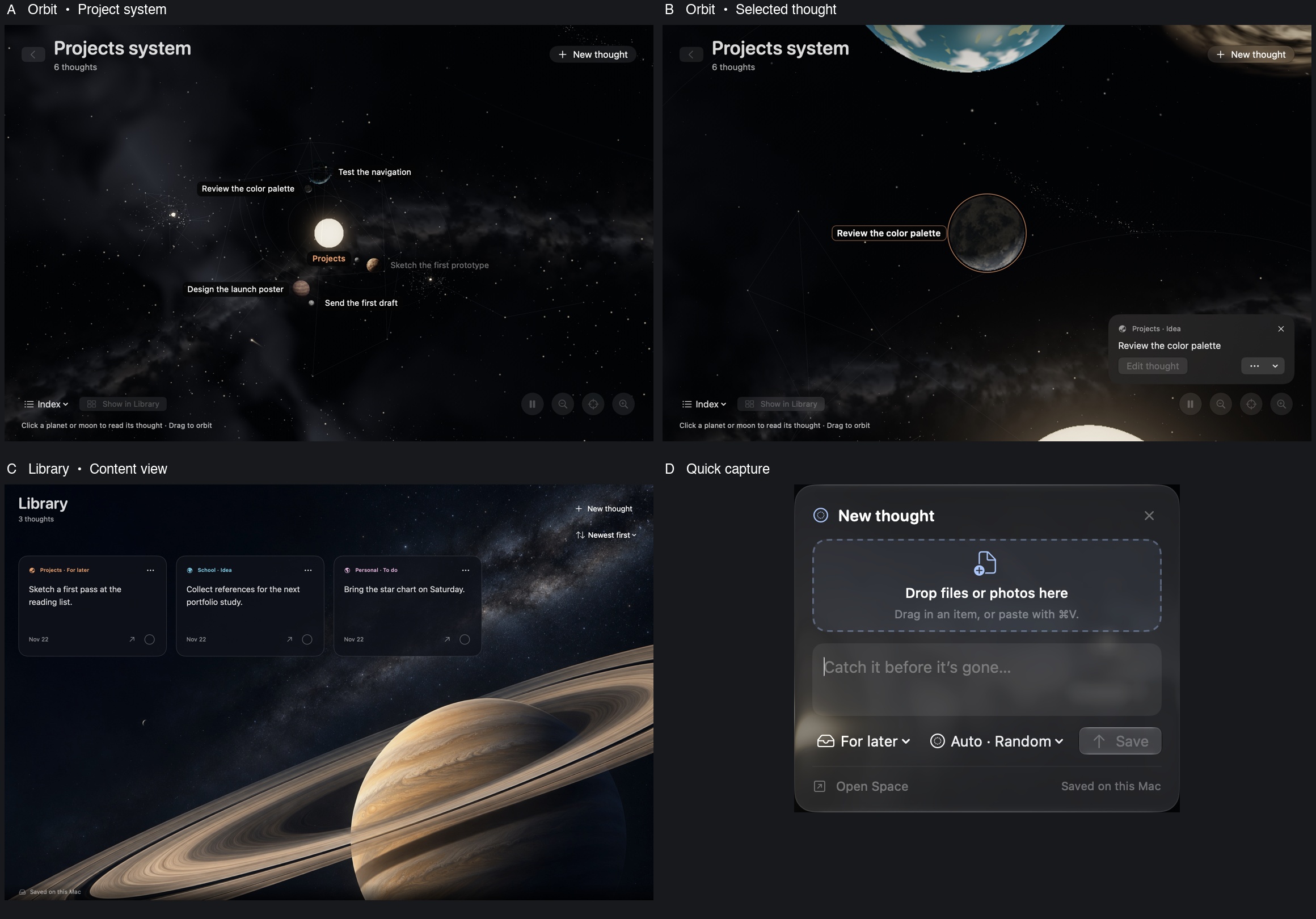
Press ⌃ ⌥ Space to open Quick Capture. Type a thought, or enter a caption and paste the image you want to keep with it.
 Space
Visual notes for Mac
Save an idea or a reference without breaking your flow. Come back to it in a visual map when you need it.
Requires macOS 26 or later
How Space works
Press ⌃ ⌥ Space to open Quick Capture. Type a thought, or enter a caption and paste the image you want to keep with it.
Open a thought from Orbit, browse your Library, or search the caption you wrote when you saved it.
Availability
Space is preparing for its public Mac release. The paid edition will require a device-specific activation code after installation.
In preparation
macOS 26 or later
Help
For product and release questions, email the Space support inbox.
supportlater@gmail.com